CS2 Trade Up Contract Float Calculation Formula: 2026 Definitive Guide
- ▸The trade up float formula averages 10 input floats, weighted by each skin's float range width (max - min).
- ▸Output float = (Σ(input_float × range_width) / Σ(range_width)) + output_min_float, clamped to output skin's range.
- ▸Using 10 identical low-float skins can push a Minimal Wear average into Factory New territory for the output.
- ▸Float value (e.g., 0.069) matters more than wear label — always use the exact number from inspect.
- ▸CSBoard charges 0% for deposits and direct item-for-item exchanges without money. P2P marketplace sales carry a 2% selling fee. Instant sell is a separate buyout offer; check its quote and the chosen payout method’s fees and timing before confirming.
How the CS2 Trade Up Float Formula Works
The trade up contract in CS2 (and CS:GO before it) takes 10 skins of the same rarity and outputs one skin of the next higher rarity. The float value of the output skin is not a simple average of the 10 input floats. Instead, the game uses a weighted average that accounts for each skin's possible float range. The formula is:
Output Float = (Σ (input_floati × (max_floati - min_floati)) / Σ (max_floati - min_floati)) + min_floatoutput
Here, input_floati is the exact wear value of each input skin (0 to 1), max_floati and min_floati are that skin's maximum and minimum possible float (e.g., 0.07 and 0.00 for Factory New), and min_floatoutput is the minimum possible float of the output skin (often 0.00, but some skins have a higher minimum). The result is then clamped to the output skin's own float range. This means that even if the weighted average is very low, the output cannot be lower than the output skin's minimum float.
CSBoard charges 0% for deposits and direct item-for-item exchanges without money. P2P marketplace sales carry a 2% selling fee. Instant sell is a separate buyout offer; check its quote and the chosen payout method’s fees and timing before confirming.
5 Critical Rules for Accurate Trade Up Float Calculation
- 1
Weighted, Not Simple Average
The formula uses each skin's float range width as a weight. A skin with a wider range (e.g., 0.00–1.00) contributes more to the average than one with a narrow range (0.00–0.07).
- 2
Output Skin's Minimum Float Matters
The calculated average is added to the output skin's minimum float. If the output skin has a min of 0.06, even a perfect 0.00 average yields a 0.06 float.
- 3
StatTrak & Souvenir Are Excluded
You cannot use StatTrak or Souvenir skins in a trade up contract. Mixing normal and Souvenir will invalidate the contract.
- 4
Exact Float Value, Not Wear Label
A skin with a 0.069 float is Factory New, but a 0.071 is Minimal Wear. The formula uses the number, so always inspect the exact value.
- 5
Simulate Before You Commit
Manual calculation errors can cost hundreds. Use a trade up calculator to verify, and source skins from CSBoard where you can inspect floats before buying.
Float Ranges and Their Impact on Trade Up Outcomes
| Wear Category | Float Range | Effect on Weighted Average | Typical Output |
|---|---|---|---|
| Factory New | 0.00–0.07 | Narrow range → low weight | Can push output to FN if all inputs are low |
| Minimal Wear | 0.07–0.15 | Moderate range | Often yields MW output unless inputs are very low |
| Field-Tested | 0.15–0.38 | Wide range → high weight | Dominates average; output usually FT or worse |
| Well-Worn | 0.38–0.45 | Narrow range again | Rarely used; high float drags average up |
| Battle-Scarred | 0.45–1.00 | Very wide range | Heavily skews average upward; output almost always BS |
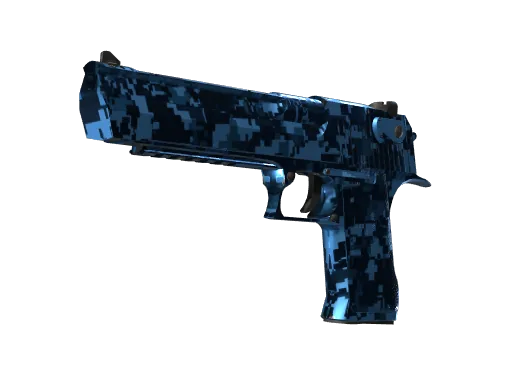
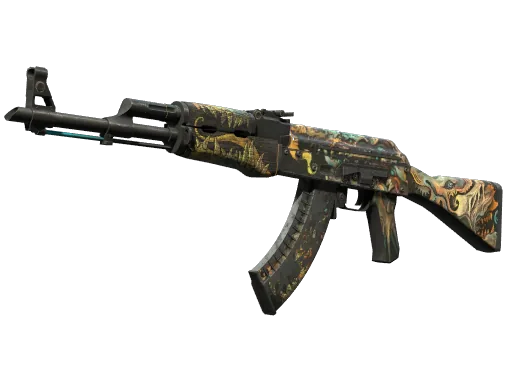
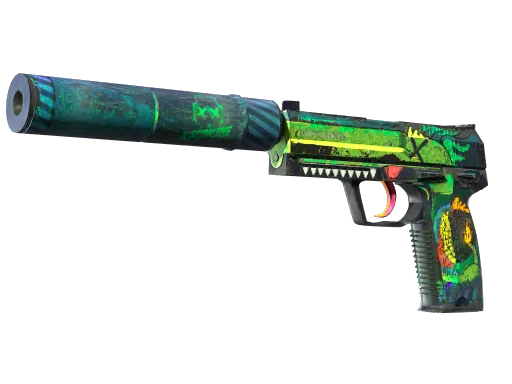
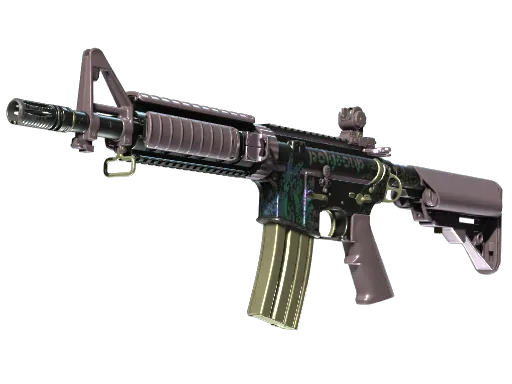
Popular Trade Up Skins on CSBoard
Frequently Asked Questions
Source Your Trade Up Skins on CSBoard
CSBoard charges 0% for deposits and direct item-for-item exchanges without money. P2P marketplace sales carry a 2% selling fee. Instant sell is a separate buyout offer; check its quote and the chosen payout method’s fees and timing before confirming.
Browse Trade Up Skins →Live prices
Current market prices for the skins in this guide — updated continuously.